
It started at home
Luca loved watching a bulb change colour and wanted to change it himself. The controls we had were awkward for his little hands. I wanted to give him a simpler way to make that happen.
What I made
A native iPhone app with large colour tiles and playful balloon and fruit screens, connected to a chosen light. I used Claude to help develop the idea and implementation in Swift and SwiftUI.
01.Make the interaction the game.
The simplest version was a grid of large colours. It gave Luca an obvious target and an immediate result. Balloons and fruit added different things to tap, while keeping the same link between the colour on screen and the light.
Inside LucaLight
Three ways to play.
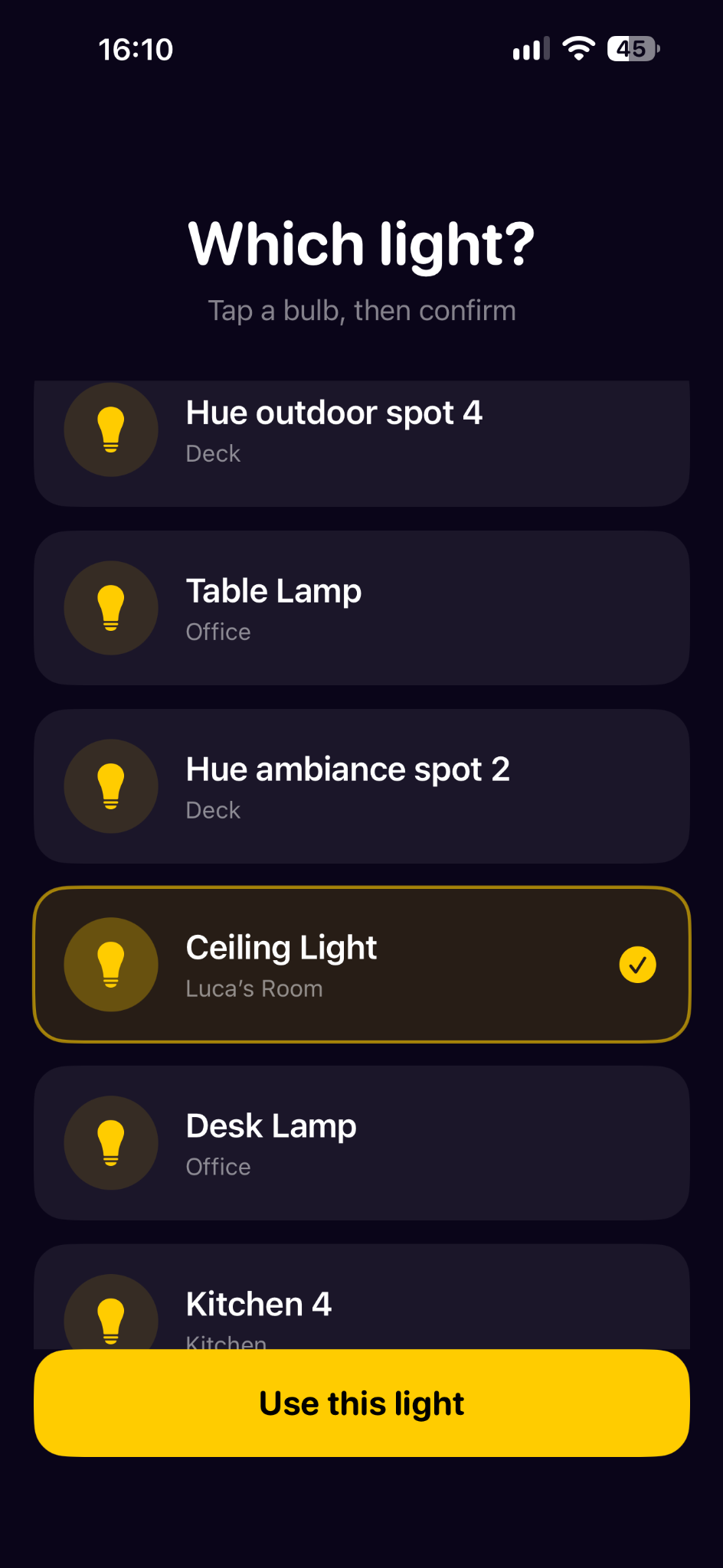
Choose the light first
A separate selection screen lets me choose and confirm the bulb before handing over to play.
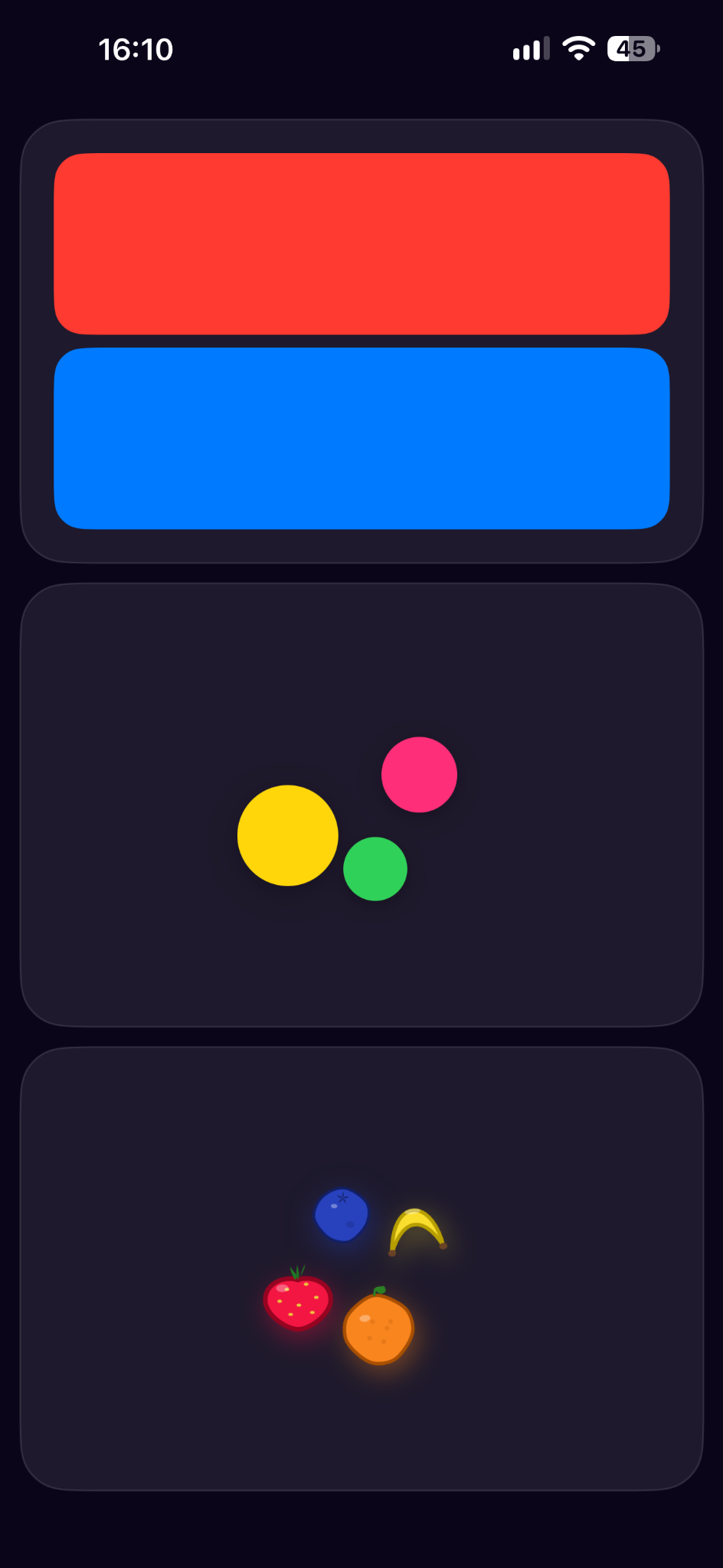
Choose how to play
The home screen uses visual previews of the colour, balloon and fruit modes.
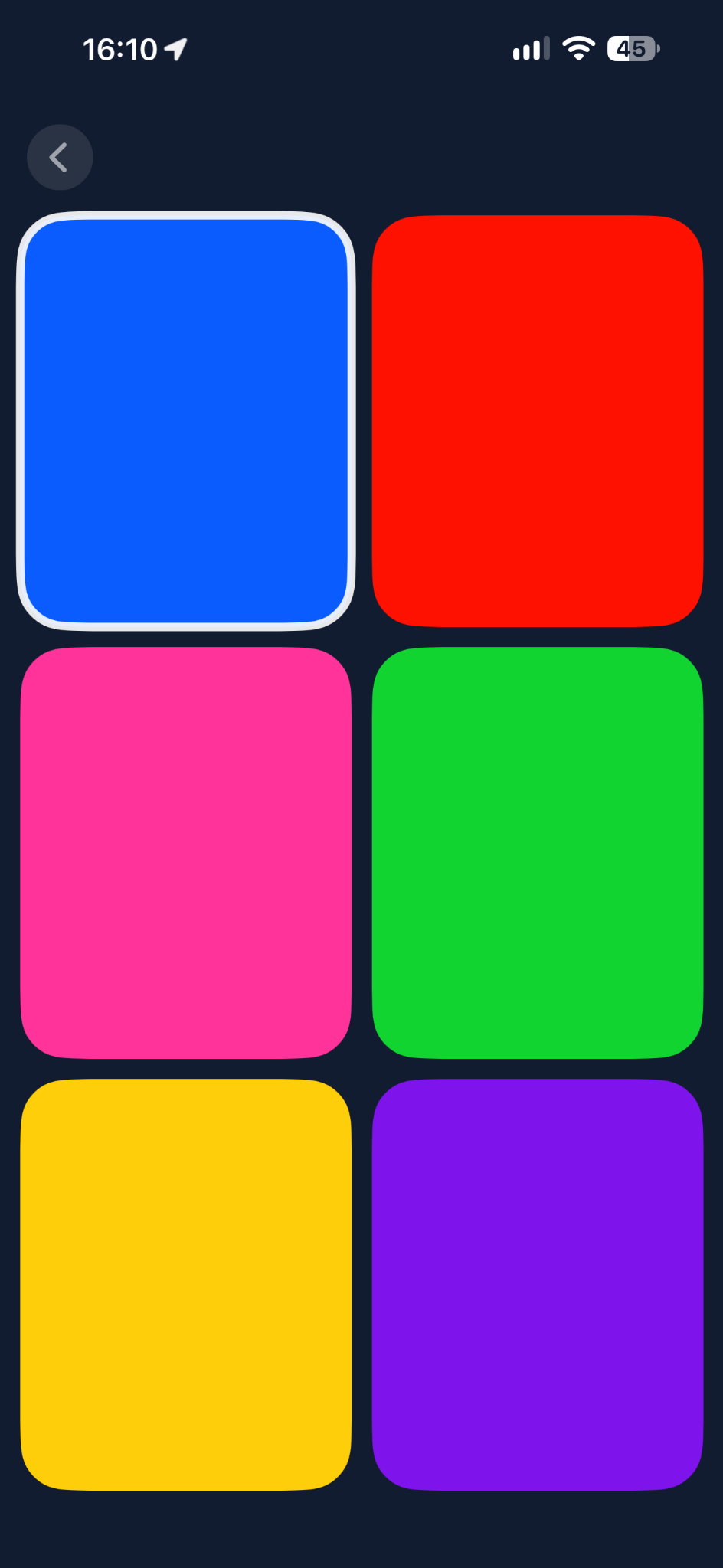
Start with colour
Six large targets fill the screen. A white outline makes the selected colour visible.
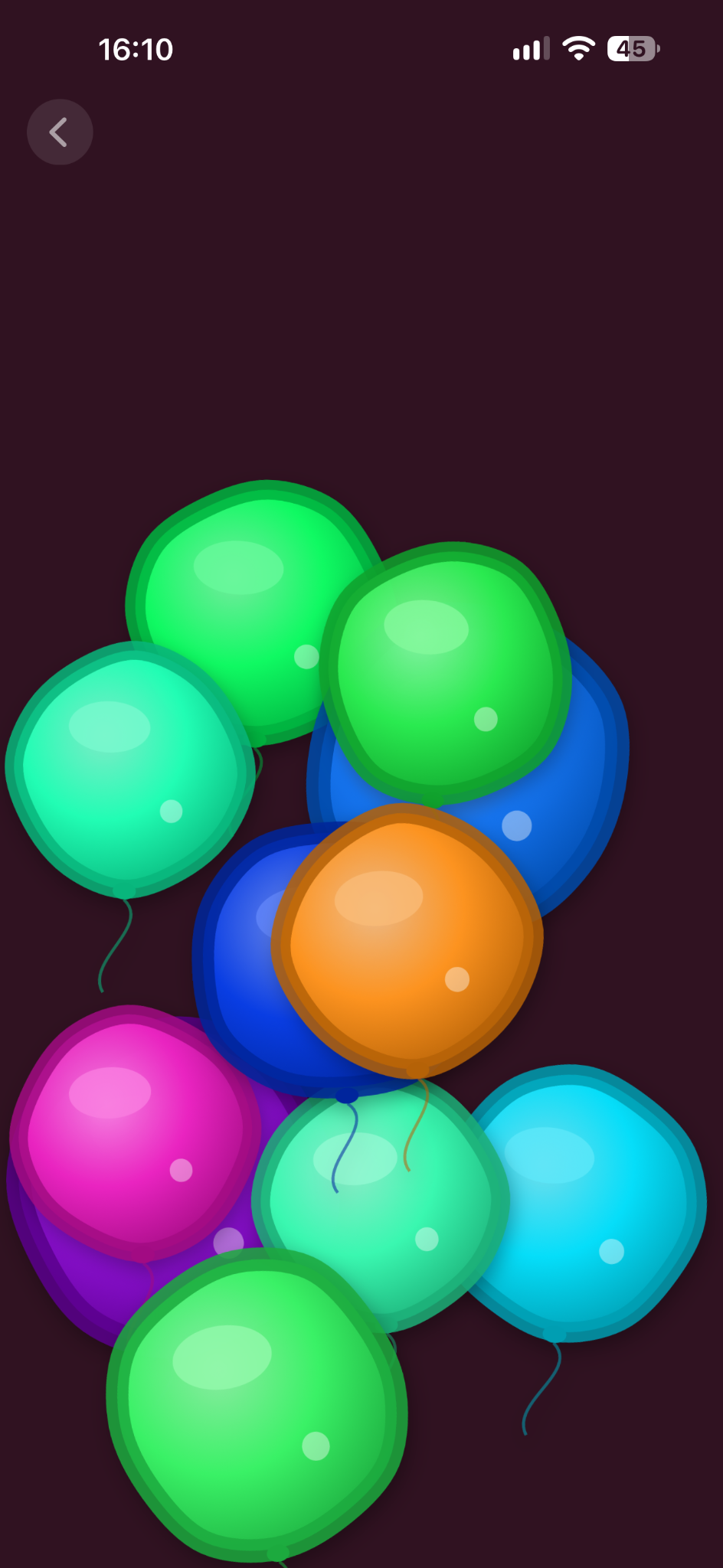
Tap a balloon
Colourful balloons turn the interaction into a moving target, with the room’s light part of the response.
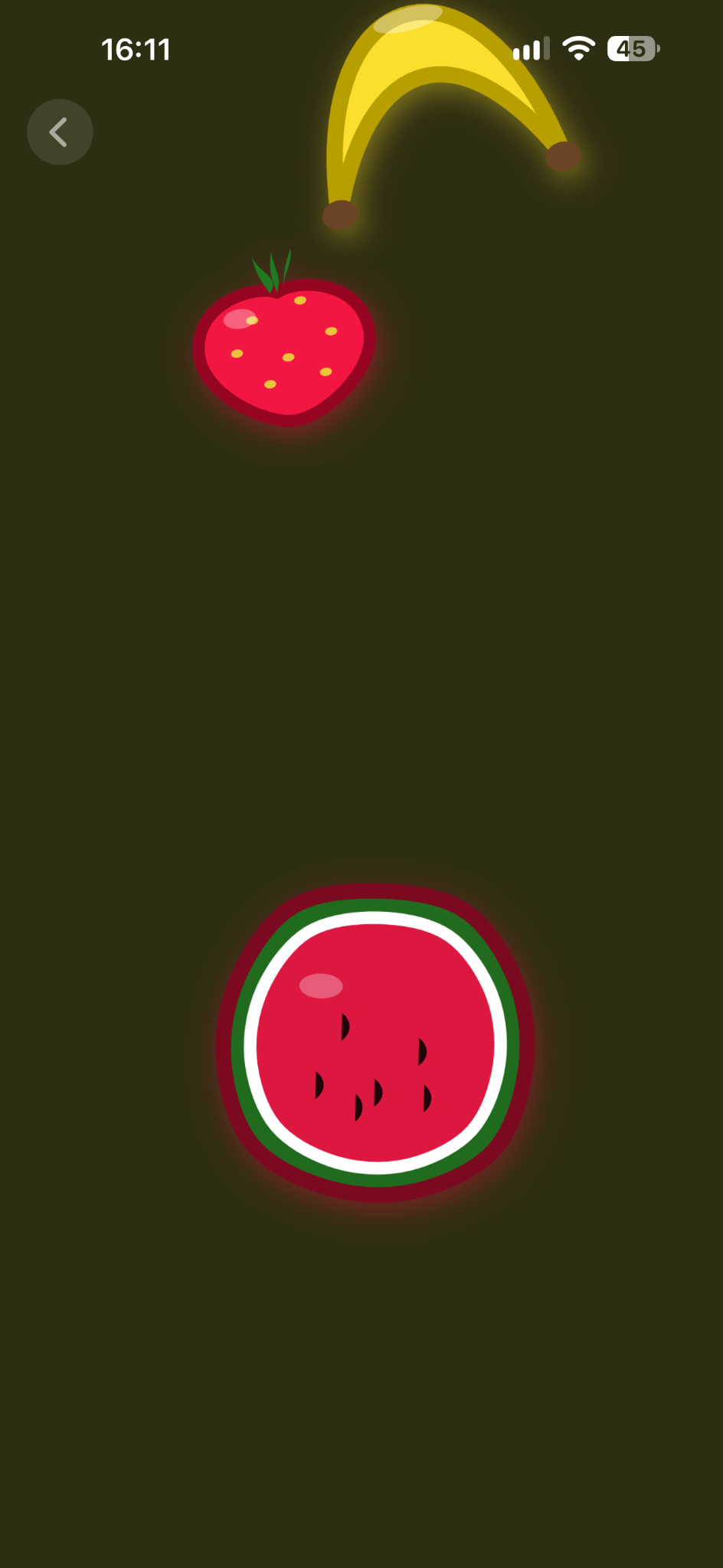
Give colour a familiar shape
Fruit brings recognisable objects into the same interaction. The brief gives each fruit a consistent colour.
02.A tap that reaches beyond the screen.
The part that interested me was the connection between a small action and a change in the room. The phone gives Luca something to touch; the light makes the result physical.
Try the idea
Pop a balloon.
Tap a balloon to pop it and change the surrounding glow to its colour.
Where I would take it next
A light we could take with us.
A small portable light could make LucaLight something we could bring into play in different places. That is an idea for a next step; the current project is the iPhone app and the connected light.